
Sound From a Transformer: LED Driver Hum and Buzz Checks
Identify LED transformer hum, buzzing and whine. Check voltage, load and dimmer compatibility—and know when to switch off and call an electrician.
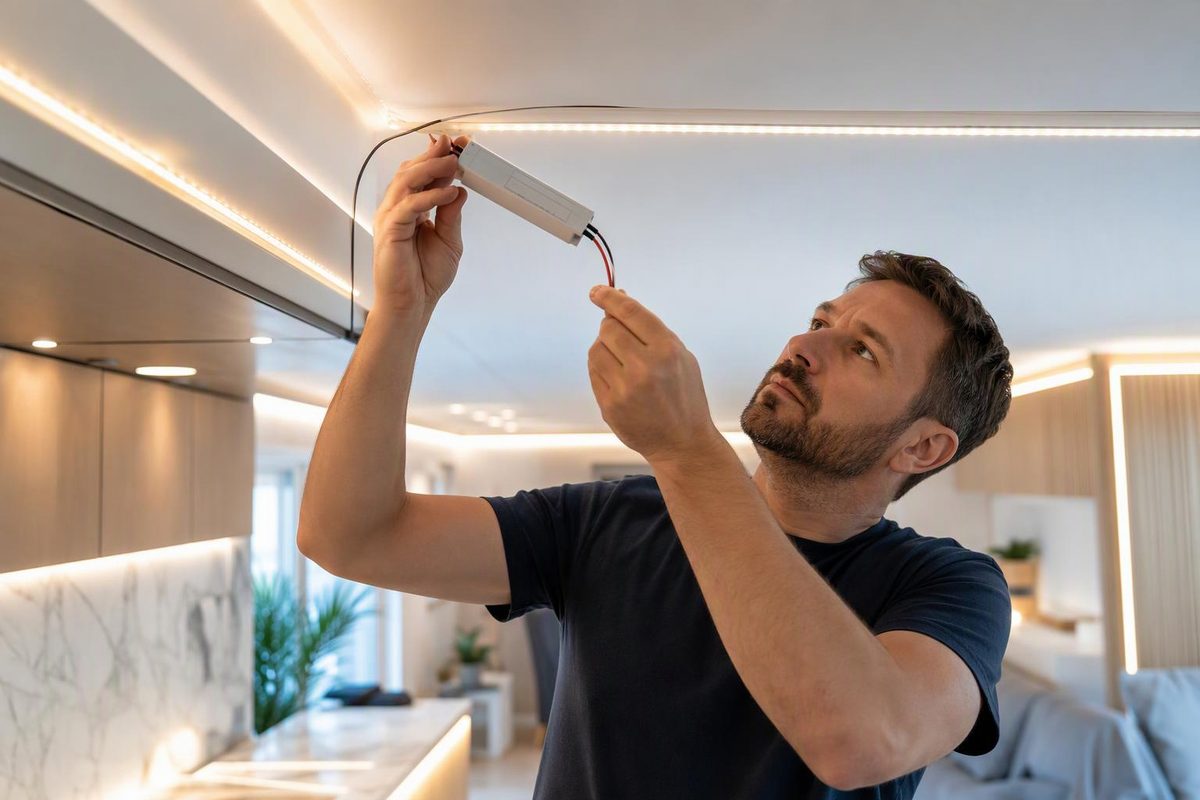
A steady hum can come from vibration inside a transformer; a high-pitched whine can come from a switching LED power supply. Sound alone does not establish whether the equipment is safe or faulty. In an LED strip installation, identify the power unit’s output voltage, AC/DC type, load rating and supported dimming method before replacing anything.
Stop testing and switch off the supply if the noise comes with a burning smell, scorching, crackling, damaged cables or repeated breaker trips. Buzzing at a plug or socket also needs inspection, not a dimmer adjustment. Disconnect a plug-in unit only if it is safe to do so; leave a suspect hardwired circuit off for an electrician. Electrical Safety First identifies these as electrical warning signs, particularly around plugs and sockets. (Home electrical safety guide)
Identify what you are calling a “transformer”
Read the accessible label or product manual with the power off. Do not open the enclosure or expose mains terminals.
- A magnetic transformer steps down AC voltage. Its core and windings can vibrate; magnetostriction—the magnetic core changing dimensions under magnetisation—is one mechanism behind audible noise. The case and mounting surface can also contribute to the sound. (Transformer acoustic-noise research)
- An LED power supply or driver may contain switching electronics rather than a conventional mains-frequency transformer. Some switching supplies produce a faint hiss at light or zero load because their energy-saving operation enters audible-frequency burst mode. That is a possible explanation, not a diagnosis for every whining adapter. (TDK-Lambda explanation)
“12 V” or “24 V” alone is not a compatibility specification. Check whether the output is AC or DC and whether the LED product requires constant voltage or constant current. For tape specified as 24 V DC constant voltage, select that output type—not merely any device labelled “24 V transformer.” See constant-voltage versus constant-current drivers.
Use the noise pattern to choose the next check
If there are no warning signs, listen from a safe distance while operating only the normal lighting controls. Note whether the sound comes from the adapter, wall dimmer, fixture or nearby cabinet panel.
| What you observe | Next check—not a confirmed diagnosis |
|---|---|
| Steady hum whenever the lights are on | Identify magnetic versus switching equipment; check mounting instructions and rated load. |
| Buzz appears or changes during dimming | Check the exact driver–dimmer pairing and supported control method. |
| Faint whine with the controller off or brightness very low | Ask the manufacturer whether light-load burst-mode noise is expected for that model. |
| Lights repeatedly shut down and restart | Switch off and check load and cooling requirements before further use. Overload or overtemperature protection can shut a supply down. |
| Buzzing or crackling at a plug or socket, burning smell or scorch marks | Stop using it; arrange inspection rather than experimenting with dimming. |
The light-load explanation comes from TDK-Lambda; overload and overtemperature shutdown are described in MEAN WELL’s technical FAQ.
Check the circuit before buying a quieter replacement
1. Calculate the full-brightness load
For constant-voltage tape:
Strip watts = installed length × watts per metre Output current in amperes = total load watts ÷ DC voltage
For example, 5 m × 9.6 W/m = 48 W; at 24 V DC, the calculated strip current is 2 A. These are estimates from the strip’s specified power, not measurements. Add any other loads supplied by the same unit, then compare the total with its output rating and temperature-derating instructions. Size for full output, not the brightness you normally use.
Allow the margin specified by the manufacturer. MEAN WELL’s general selection guidance recommends a rating 30% above actual demand and checking ambient-temperature derating; this is manufacturer guidance, not a universal requirement for every driver. (Selection FAQ) For a worked selection method, see LED power-supply sizing.
2. Match the dimming method
A mains wall dimmer and a low-voltage PWM controller are not interchangeable ways of controlling every power supply.
For example, as checked in October 2026, HitLights specifies its 120 W, 24 V adapter as non-dimmable on the AC input but suitable for compatible PWM dimmers on the DC output. This distinction is model-specific. (Adapter specifications)
For a phase-cut system, verify the driver’s supported leading-edge or trailing-edge control, the manufacturer’s tested dimmer models, and applicable minimum and maximum loads. Do not assume an “LED compatible” dimmer fits every driver. HitLights distinguishes compatibility lists for its magnetic and electronic drivers. (Manufacturer guidance) See matching LED strips, drivers and dimmers.
Do not remove lamps or disconnect the load as a generic noise test: Lutron’s instructions for its Maestro magnetic low-voltage dimmers warn against operating a dimmed magnetic low-voltage circuit without working lamps because of possible transformer overheating or failure. (Lutron installation instructions)
3. Keep mounting and cooling within the instructions
With power disconnected, check accessible external mounting and ventilation against the manual. Do not wrap the driver in foam, bury it in insulation or glue internal parts to suppress noise. HitLights calls for adequate ventilation for the example adapter; MEAN WELL explains that high ambient temperatures can require reduced output. (Adapter care instructions, temperature guidance)
Never disconnect protective earth as a noise remedy: on Class I supplies, it is part of the protection against electric shock. (MEAN WELL safety-class explanation) Hardwired connections and internal repairs belong to an electrician or authorised service technician.
If voltage, load, dimming and installation all check out but the sound remains intrusive, request a manufacturer-approved replacement. Provide the driver model, dimmer/controller model, strip voltage, total watts, and brightness settings at which the noise occurs. Ask about acoustic performance with that combination; a larger wattage rating alone does not guarantee quieter operation.