
Dim LEDs Without a Dimmer Switch: Supported Methods
Identify the light and driver, verify documented PWM, constant-current or 0–10 V support, and evaluate replacement if compatibility is unconfirmed.
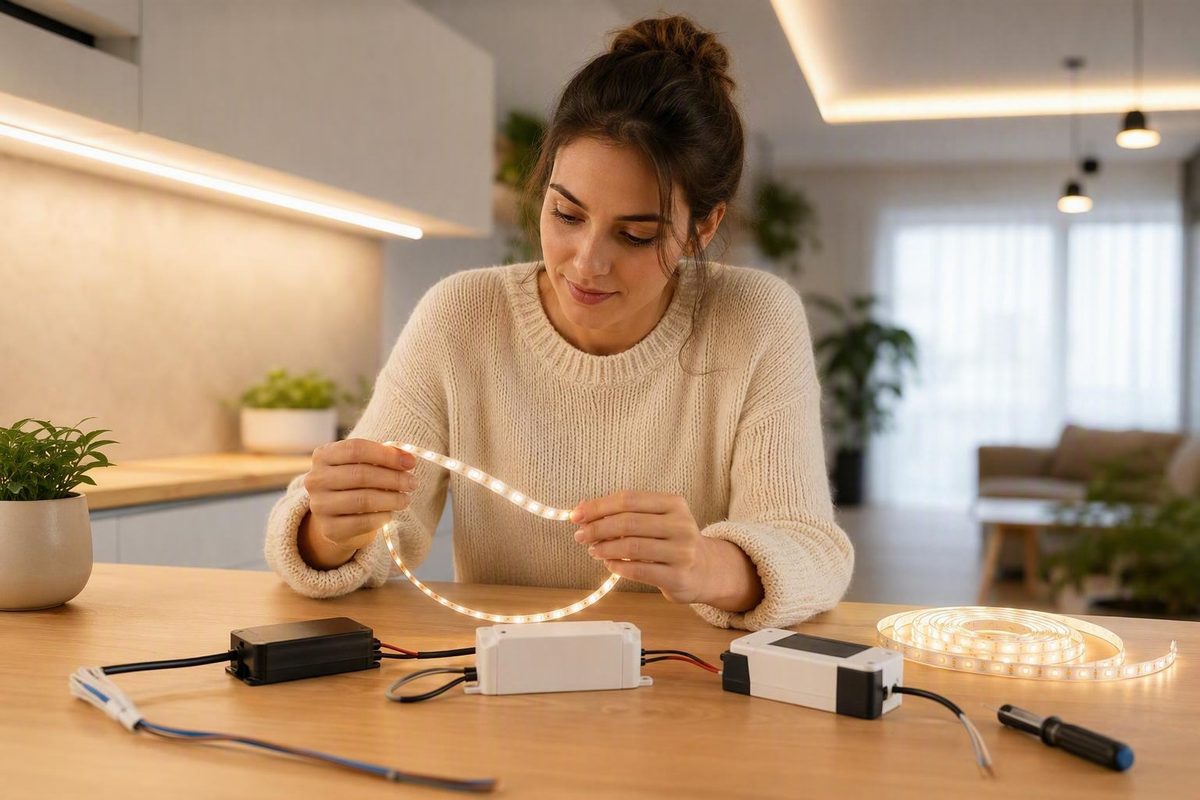
You may be able to dim LED lights without a conventional wall dimmer, but only when the bulb, fixture, strip, or driver has another documented control method. Use the control interface specified for the exact product, or evaluate replacement when no compatible interface can be confirmed.
The short answer: use a supported control method or replace the light
An LED source normally relies on a driver that converts incoming power into regulated average current. Dimming performance therefore depends on the driver and its compatibility with the control equipment—not merely on reducing the voltage supplied to the light.
Documented methods can include pulse-width modulation (PWM), constant-current reduction, or a separate control signal such as 0–10 V. These are not interchangeable. The LED source, driver, and controller must be designed to work together. A 2012 US Department of Energy Solid-State Lighting Program presentation by Michael Poplawski explains that driver and control characteristics vary widely, making performance difficult to predict without verified compatibility (LED Dimming: What You Need to Know).
That produces two practical outcomes:
- The product has a documented control interface. Use only the controller type and related equipment specified as compatible with the exact bulb, fixture, strip, or driver.
- No supported interface can be confirmed. Do not try to create one. Evaluate replacement of the bulb, documented driver, or complete fixture as appropriate.
“Without a dimmer switch” does not mean “without a control.” True electronic dimming still requires a control method that the driver recognizes, even if that method does not use a conventional wall dimmer.
Use this compatibility-first decision path
First determine what kind of LED product you have. Then find its exact model information and current manufacturer documentation. Do not select a controller merely because both products are described as dimmable.
| Light type | What to inspect | Decisive compatibility evidence | Next action |
|---|---|---|---|
| Replaceable LED bulb | Bulb label, model number, fixture restrictions, manual | “Dimmable” plus a named control type or model-specific compatibility information | Use the documented compatible system or evaluate a suitable replacement bulb |
| Integrated LED fixture | Fixture label, driver identifier, wiring diagram, manual | A named interface such as PWM, constant-current dimming, or 0–10 V | Follow the exact product documentation; otherwise assess the documented driver or complete fixture for replacement |
| Low-voltage LED strip | Strip model and voltage, power supply or driver, controller documentation | Explicit support for PWM or another specified low-voltage control method | Use only a controller documented for the strip-and-driver combination |
| Product marked non-dimmable | Product label and current documentation | No control method should be inferred | Do not improvise a control input; evaluate replacement |
Look for exact terms such as dimmable, PWM, constant-current dimming, and 0–10 V. Record the complete model identifiers for the light and driver rather than relying on appearance, brand, or socket type. If the documentation specifies a controller family, operating range, driver model, or particular system arrangement, treat those details as compatibility requirements.
A general dimmable label is only a starting point. It does not establish that the product works with every controller or dimming method. Compatibility remains unconfirmed if the model number cannot be identified, the available documents conflict, or the instructions do not name a supported interface.
This gives each common scenario a concrete answer:
- Replaceable bulb: confirm that the bulb is dimmable under the proposed control method; otherwise evaluate a compatible replacement.
- Integrated fixture: identify the fixture and driver before choosing any control. If the supported interface cannot be established, the documented driver or complete fixture may require evaluation.
- Low-voltage strip: treat the strip, driver or power supply, and controller as one system. A controller description alone does not establish compatibility.
- Non-dimmable product: replacement is the practical path unless current manufacturer documentation explicitly provides another supported method.
What PWM, current reduction, and 0–10 V actually mean
PWM can make a light appear steady while its output is changing rapidly. James Davis and colleagues’ perception experiment found that people could still perceive artifacts above 500 Hz in a specially patterned, rapidly modulated display. That does not establish a safe or acceptable PWM frequency for a household lamp. It is a reason to treat the complete driver, controller, fixture, and real viewing conditions as the unit to evaluate, rather than assuming “fast” means invisible.
These terms help you interpret product documentation. They are not instructions for opening, rewiring, or modifying a fixture.
Pulse-width modulation (PWM) changes the proportion of time the LEDs are on. The LEDs switch on and off rapidly while maintaining the same current during each on-state. More on-time produces greater average output; less on-time produces lower average output.
Constant-current reduction, sometimes called analog dimming, changes the current delivered to the LEDs. The driver must be designed to regulate output this way and remain within its intended operating conditions.
0–10 V control uses a separate control signal to request an output level from a compatible driver or luminaire. It is not a universal adapter for an ordinary bulb or fixture. The system may use separate power and control signals, and the driver or luminaire must explicitly support 0–10 V operation (LED Dimming: What You Need to Know).
A method name by itself does not settle compatibility. Specifications from one bulb, strip voltage, driver revision, or fixture model should not be transferred to another product.
Why lowering voltage or adding improvised components is not the answer
LEDs are nonlinear, unidirectional devices that typically rely on a driver to convert incoming power into regulated average current. Because that driver determines how the LED load responds, crude voltage reduction is not a predictable substitute for a supported dimming input.
This article does not provide procedures for adding such components or altering an internal driver.
Do not open, rewire, or alter mains-powered equipment based on this article. LED Lighting Zone defines its instructional scope as low-voltage LED systems and states that work at an electrical panel belongs to an electrician in its published electrical-work boundary. Any proposed line-voltage change should instead be considered under the product instructions and the requirements applicable where the work will be performed.
Treat flicker, buzz, dropout, and poor range as compatibility warnings
The display finding also explains why a simple frequency number is weak buying advice: visibility changes with the visual pattern and conditions. Use the product’s documented dimming range and observe the installed light during normal tasks, including motion and peripheral viewing. If there is visible flicker or unstable output, stop and check the supported combination rather than modifying wiring to chase a frequency target.
Unexpected behavior is a reason to stop assuming that the LED, driver, and controller are compatible. These symptoms can result from circuit-level interactions, but they do not identify a single cause by themselves.
| Symptom | What it can tell you | Appropriate response |
|---|---|---|
| Flicker | The combination is not producing stable, expected performance | Recheck the exact light, driver, and control documentation |
| Buzzing | The equipment may be interacting poorly under dimming | Confirm that the complete combination is supported |
| Abrupt shutoff | The setup is not maintaining useful operation at that setting | Stop forcing a lower level and review the documented range |
| Limited low-end range | The combination may not provide deep, smooth dimming | Compare its behavior with model-specific documentation |
| Inconsistent brightness | Products may have different response characteristics | Verify every model and the named control method |
Two products labeled dimmable may respond differently because their drivers and controls can have different operating characteristics and transfer functions. The same requested control level therefore does not guarantee the same visible output.
Dimming can also affect flicker, driver efficiency, power factor, and harmonic distortion. None of those effects proves that one particular component is at fault. Do not assume that replacing a controller, driver, or light will solve the problem unless current compatibility information supports the proposed combination.
Know when replacement or professional help is the practical choice
Stop looking for an electronic workaround when:
- the bulb or fixture is labeled non-dimmable;
- the driver or supported control method cannot be identified;
- current documentation does not confirm the proposed combination;
- the change would require opening or altering mains-powered equipment; or
- a documented setup still behaves outside the performance described by its manufacturer.
For a replaceable bulb, evaluate a replacement that is documented for the intended fixture and control system. Depending on the product design, the documented driver or the complete fixture may need evaluation.
For a low-voltage strip, verify the strip model and voltage, driver or power supply, controller method, and applicable system limits together. Matching only one or two of those elements is not enough to establish that the system will dim correctly.
Use current manufacturer documentation before selecting any replacement or controller. General descriptions of PWM, current reduction, and 0–10 V explain the underlying methods, but the current instructions for the exact model govern product-specific compatibility.
The practical rule has three steps: identify the light and driver, verify the documented control method, and use only compatible equipment. If support cannot be confirmed, evaluate replacement or consult an appropriately qualified professional instead of trying to force dimming through reduced mains voltage or improvised circuitry.
Is every LED inherently dimmable in a real installation?
No. The LED semiconductor can respond to changes in current or on-time, but a real installation also includes a driver and control equipment. If the driver does not provide a compatible dimming method, the finished bulb or fixture should not be treated as dimmable.
Can I use a 0–10 V controller without adding control wiring?
Not unless the exact driver or luminaire documents another supported system arrangement. A conventional 0–10 V system uses a separate control signal, so it should not be assumed to be a no-wiring workaround. Follow the requirements for the specific compatible driver or fixture.
Why can two products labeled dimmable respond differently?
The word dimmable does not promise identical performance or universal compatibility. Compare the exact model documentation and supported equipment combination rather than relying on the label alone.