
Philips Hue Backup & Restore: Why Bridge Pro Matters
Hue plans cloud backups for Bridge and Bridge Pro, but restoration initially requires Pro. Check release status, backup limits and migration options.
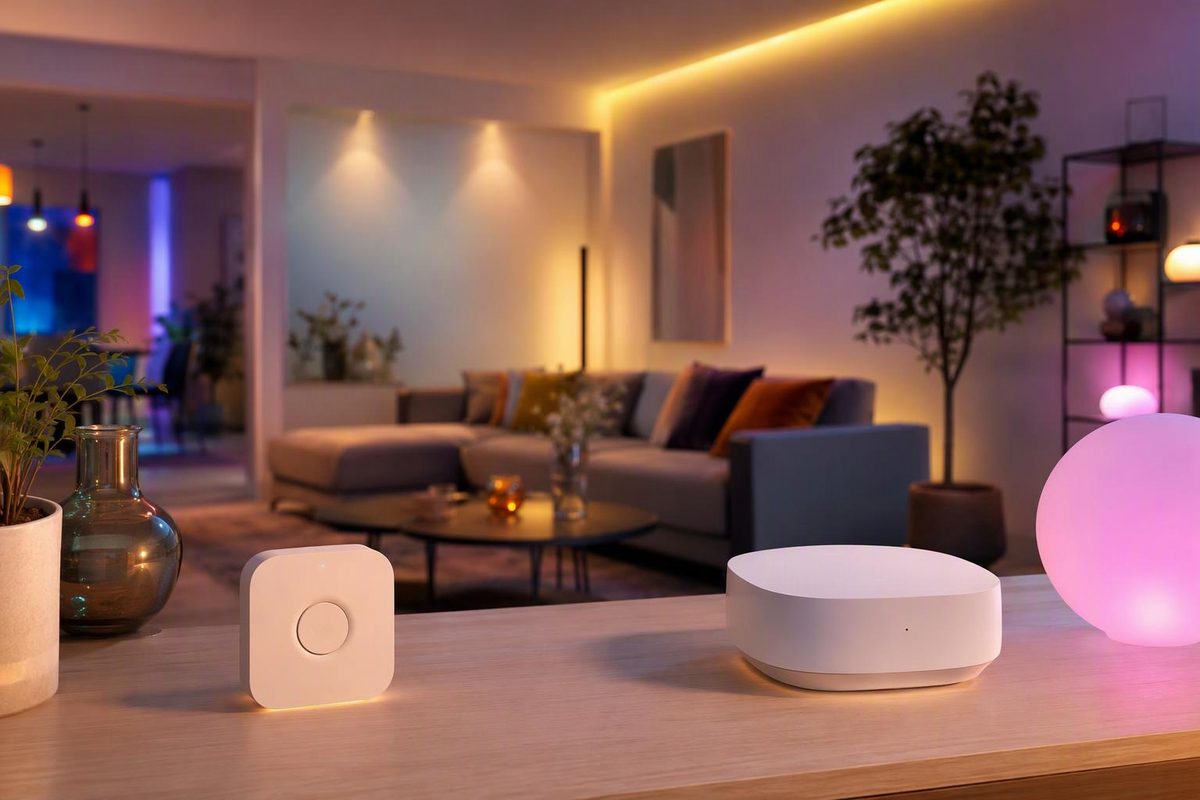
Philips Hue has announced cloud backups for both Hue Bridge and Bridge Pro, but restoring a saved setup will initially require Bridge Pro. Backup support and restore support are not the same compatibility claim.
Status checked October 26, 2026: Signify’s September 3 announcement describes Back-up & Restore as still in development, for a future software update, without a specific release date. The official Bridge Pro release notes through October 22 do not announce its launch. Treat it as an announced feature—not a recovery method to rely on today. (Signify announcement, Bridge Pro release notes)
Which bridge will back up and restore?
The announced compatibility is:
| Task | Hue Bridge | Hue Bridge Pro |
|---|---|---|
| Create a backup in Hue Cloud | Planned | Planned |
| Restore a saved configuration | Not initially supported | Planned |
Signify says the backup will preserve lights, accessories, rooms, zones, scenes, automations and more. For a Hue strip-light installation, that means preserving the lighting configuration rather than simply recording that a strip exists. (Official feature preview)
Hueblog’s more detailed September 3 report, citing Hue creator George Yianni, describes these additional limits:
- Backups will be manual, not automatic.
- A Hue account will be required.
- Only one backup per bridge will be stored, for one year.
- Restoration will work on the same Bridge Pro or a different Bridge Pro.
- Connections to external services, including Amazon Alexa and Apple Home, will not be included.
Those are reported pre-release details, not instructions for an available backup screen. In particular, do not assume that signing into your Hue account means a recoverable backup already exists. (Hueblog’s detailed report)
Upgrading now? Use migration, not restore
Migration is an existing upgrade process; Backup & Restore is the announced recovery feature. Philips Hue already documents transferring an existing Bridge setup to Bridge Pro through the Hue app. Its cloud migration service should not be mistaken for a retained recovery backup. Migration requires internet access and is one-way: Philips Hue says it cannot be undone. (Official migration guide)
For a working system you want to upgrade:
- Check access and updates. You must be the administrator. The source Bridge and Bridge Pro must use the same account and Home and have the latest software.
- Onboard Bridge Pro in the Hue app. Accept the migration prompt, or start later from Settings → Bridges → [Bridge name] → Migrate.
- Allow 30–60 minutes per bridge, including any follow-up steps. Keep the app open and phone unlocked, particularly when requested. Keep devices powered, in range of the bridges and updated; avoid changing bridge settings during the transfer.
- Follow the app’s reconnection and reset instructions. Do not factory-reset the source Bridge in advance; Philips Hue instructs you to reset it once migration is confirmed.
Philips Hue warns that devices will be temporarily unreachable and lights and smart plugs will switch off and on during migration. Schedule the transfer when that interruption will not disrupt task lighting. If you use Hue Secure, the security system will also be disarmed during migration; re-arm it manually afterward and reconfigure it if needed. (Migration requirements)
Multiple bridges need extra preparation
The first or main Bridge migrated into an empty Bridge Pro transfers its content automatically, subject to device-specific reconnection steps and compatibility limits. Additional bridges have more limits: rooms, zones and scenes can transfer within capacity, but accessory behaviors and automations need manual rebuilding. Choose the main Bridge with that distinction in mind. (Migration content table)
Before starting, record room and zone membership, favorite scene settings, schedules, and switch or sensor actions—especially for additional bridges. Screenshots are a rebuilding aid, not a restorable bridge backup.
After migration, test each strip or fixture, scene, switch and automation. Check external controls separately: Philips Hue says Apple Home needs setup again, while Alexa and Google Home need reconnection. A successful Hue transfer does not prove every linked smart-home routine works. (Integration reconnection instructions)