
Philips Hue Play Gradient Lightstrip Pro Sizes and TV Fit
Compare Hue Play Gradient Lightstrip Pro sizes, actual strip lengths, 12.5 cm cut spacing and TV mounting limits before choosing a kit.
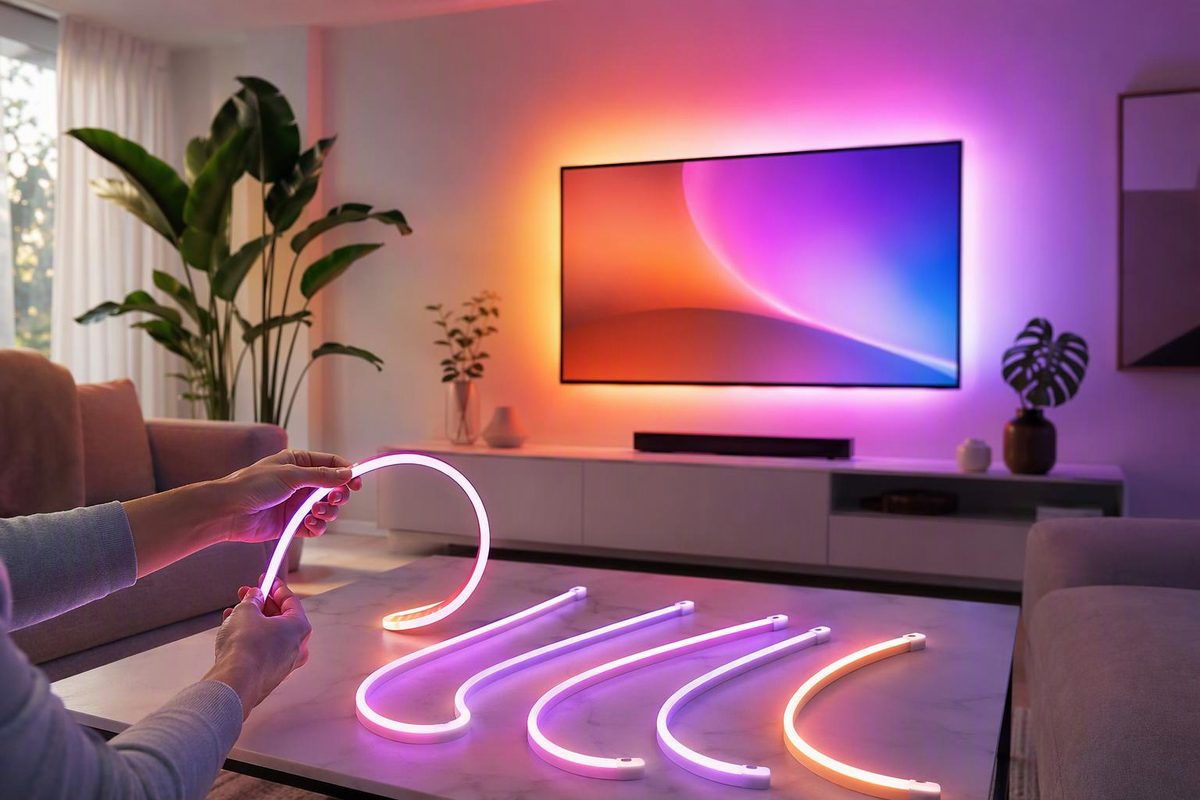
The Philips Hue Play Gradient Lightstrip Pro comes in 65-, 85- and 100-inch versions. Those numbers describe the maximum TV screen diagonal—not the strip’s physical length. The strips are 2.5 m, 3.5 m and 4.0 m long, respectively, and can be shortened to fit smaller TVs.
Size and length lookup
| Pro version | Manufacturer’s TV-size limit | Actual strip length | Approximate length in feet |
|---|---|---|---|
| 65-inch | Up to 65 inches | 2,500 mm / 2.5 m | 8.2 ft |
| 85-inch | Up to 85 inches | 3,500 mm / 3.5 m | 11.5 ft |
| 100-inch | Up to 100 inches | 4,000 mm / 4.0 m | 13.1 ft |
Philips Hue lists a 17 mm × 8.5 mm strip cross-section for these models. All three are cuttable but not extendable, so do not buy a shorter kit expecting to add an extension later. The linked manufacturer specifications distinguish strip length from cable and packaging dimensions.
Availability varies by market. As of October 27, 2026, Hue’s US catalog lists the 65- and 100-inch Pro kits as “Coming soon”; the UK 85-inch listing is sold out. Check your regional listing before ordering.
Which size should you choose?
Use the TV-size limit as your starting point: a 55- or 65-inch TV points to the 65-inch kit; a 75- or 85-inch TV to the 85-inch kit; and a 98- or 100-inch TV to the 100-inch kit. Then check the actual mounting route behind the television.
Before removing adhesive backing:
- Lay out the supplied brackets and strip across the top and down both sides.
- Check clearance around the TV’s wall mount, vents and connections.
- Confirm the strip fits the route before making any cut.
The included mounts hold the strip at approximately 45 degrees, according to Hueblog’s September 29, 2026 hands-on review. Allow space for the bracket and angled strip, not just the bare strip’s thickness.
Cutting and coverage limits
Hueblog reports that the Pro can be cut every 12.5 cm / 125 mm—about 4.9 inches. That is a cutting increment, not permission to cut anywhere. Disconnect power and follow the kit’s instructions and designated cut positions. The same review gives 16.6 cm spacing for the new non-Pro Play Gradient model; do not transfer that measurement to the Pro.
The review also reports seven TV-sync zones: two on the left, three across the top and two on the right. The intended layout does not cover the bottom edge. Buying the largest kit therefore does not turn it into a four-sided TV backlight. Source: Hueblog review.
Finally, size does not determine synchronization compatibility. Philips Hue specifies a sync device and Hue app for the Pro; its 65-inch product page names the Hue Sync TV app, Hue Screen Sync and HDMI sync box as options. Check the chosen sync method’s compatibility with your TV and content sources separately.